




.svg)



国内领先的数智化用户运营解决方案服务商


AI 驱动的平台
致力于长期用户价值,让用户运营越做越轻松
智能用户运营
致力于长期用户价值,让用户运营越做越轻松
CDP+
增强型用户画像洞察
构建用户数据资产体系
进一步了解 >

OSA
策略智能与自动化
让规模化营销决策和流程更科学
进一步了解 >

AICC+
全场景用户连接
高效积累和强化用户关系资产
进一步了解 >

MEAI
多模态情感化AI
极致的用户互动交流体验
进一步了解 >

认知智能能力平台
为智能用户运营提供深入的理解和洞察,实现更精准地满足千人千面的个性化需求
数据智能能力平台
为智能用户运营提供数据洞察和决策支持,实现基于数据的精细化、个性化用户运营
以业务结果为导向,,
百应助力客户成功的关键
为增长负责
百应助力客户成功的关键
行业解决方案
公共服务解决方案
零售行业
互联网行业
汽车行业
保险行业
消费金融行业
银行行业

品牌零售解决方案
通过对话式AI实现对用户全生命周期的多触点精细化管理,助力品牌实现「极致用户体验+极致ROI」的全域增长服务
 会员召回
会员召回 复购转化
复购转化 会员关怀
会员关怀 私域引流
私域引流




了解更多
立即咨询
全栈自研技术
正因如此,我们有信心为客户创造更多价值


亿规模
任务模型参数量
w+套
营销场景库
级
知识体系及标签体系
+
知识点数量
+
支持实体识别类型
w+
实时并发量
亿级
日对话服务频次
%+
识别准确率

用AI赋能,用心服务,助力客户打造
百应获得了众多政府机构和领先企业的信赖
最佳实践
百应获得了众多政府机构和领先企业的信赖


百应给我们提供了专业且全面的解决方案,一起创造更好的用户体验
百万级
单场活动触达用户
15%
会员召回率提升

AI外呼已具备真实的交互感和温度感,能实现快速触达和高效转化
10%
会员关怀度提升
超40%
接通意向率


百应科技真的做到了把客户的业务当做自己的业务来做
40%
线下到店率增量
100+
ROI


百应AI降低了人工投入的成本项,带来了很好的用户体验
35%
触达成本降低
2倍
会员续费转化增长


百应的产品和团队都很给力,推荐有相应需求的伙伴来体验
40%+
触达意向率提升
有效提升
用户黏性

百应AI解决方案非常专业,是真正的行业创新引领者
70%+
触达成功率
60s
有效沟通时长超
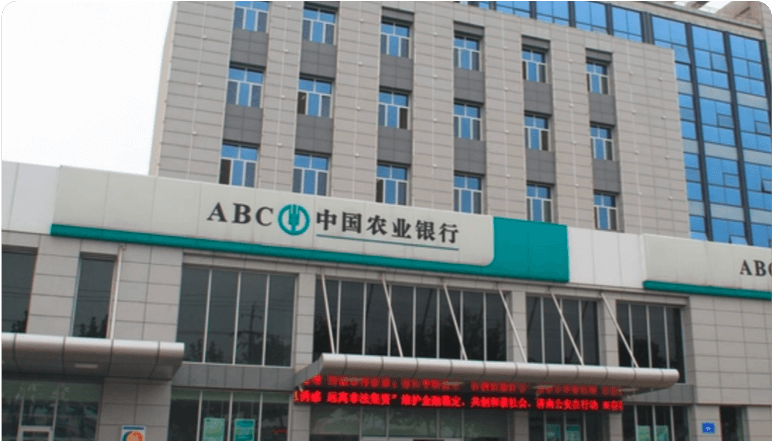


用AI和数据赋能银行业务,实现了效率效能双增长
>60s
有效沟通时长
5%
客户转化率提高了



用AI的力量助力政府数字化转型
27.8%
立案率下降
14.8%
案损率下降


24小时在线的警察朋友
106w+
累计加民人数
4w+
有效解答咨询次数



让数字化服务走到群众身边
800+
日均服务人次
90%
综合满意度


百应科技是一家值得信赖的企业,我们的合作非常愉快
百万
日均触达用户超
82%
触达效果提升



用科技赋能,百应AI助力加快实施数字化战略
200%
线索转化率提升
15%+
赠险转化率


百应助力我们私域业务人效提升,期待更深入的合作
100%
业务人效提升
60%
转化效果提升


用户运营效果很好,为后续增长找到了抓手
97%
AI标记准确率
3倍
触达人效提升
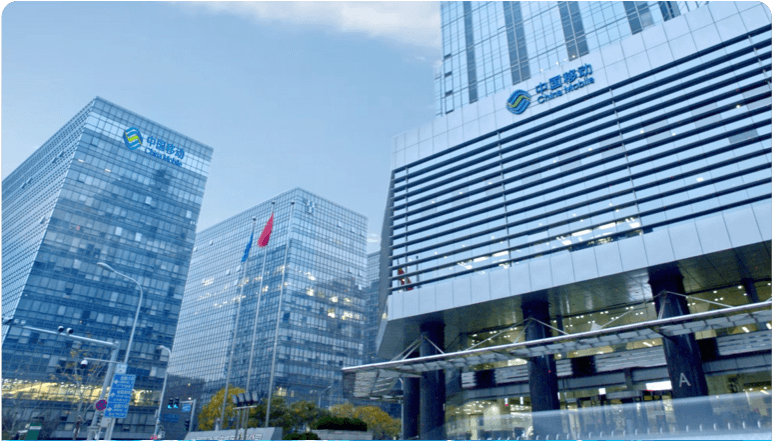

百应AI的真实交互感和温度感,为我们带来了高效的用户触达和卓越的转化效果
10%
用户转化率提高
提升
综合人效显著
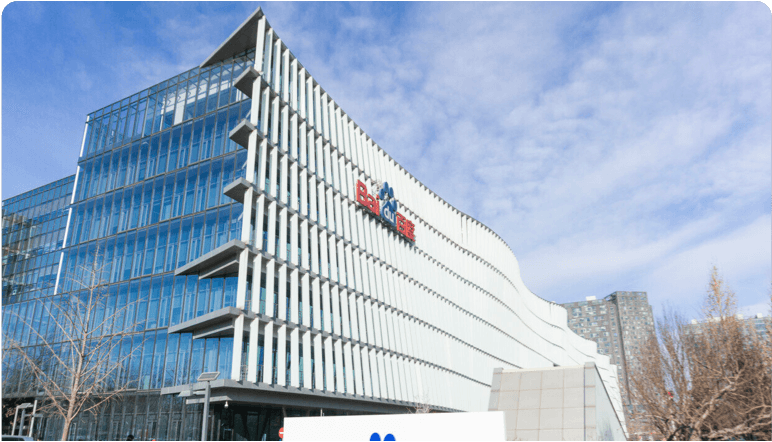

百应的产品和团队非常给力,期待后续的深入合作
10%
用户活跃度增长
25%
客户满意度提高
百应给我们提供了专业且全面的解决方案,一起创造更好的用户体验
百万级
单场活动触达用户
15%
会员召回率提升
AI外呼已具备真实的交互感和温度感,能实现快速触达和高效转化
10%
会员关怀度提升
超40%
接通意向率
百应科技真的做到了把客户的业务当做自己的业务来做
40%
线下到店率增量
100+
ROI
百应AI降低了人工投入的成本项,带来了很好的用户体验
35%
触达成本降低
2倍
会员续费转化增长
百应的产品和团队都很给力,推荐有相应需求的伙伴来体验
40%+
触达意向率提升
有效提升
用户黏性
百应AI解决方案非常专业,是真正的行业创新引领者
70%+
触达成功率
60s
有效沟通时长超
用AI和数据赋能银行业务,实现了效率效能双增长
>60s
有效沟通时长
5%
客户转化率提高了
用AI的力量助力政府数字化转型
27.8%
立案率下降
14.8%
案损率下降
24小时在线的警察朋友
106w+
累计加民人数
4w+
有效解答咨询次数
让数字化服务走到群众身边
800+
日均服务人次
90%
综合满意度
百应科技是一家值得信赖的企业,我们的合作非常愉快
百万
日均触达用户超
82%
触达效果提升
用科技赋能,百应AI助力加快实施数字化战略
200%
线索转化率提升
15%+
赠险转化率
百应助力我们私域业务人效提升,期待更深入的合作
100%
业务人效提升
60%
转化效果提升
用户运营效果很好,为后续增长找到了抓手
97%
AI标记准确率
3倍
触达人效提升
百应AI的真实交互感和温度感,为我们带来了高效的用户触达和卓越的转化效果
10%
用户转化率提高
提升
综合人效显著
百应的产品和团队非常给力,期待后续的深入合作
10%
用户活跃度增长
25%
客户满意度提高
百应给我们提供了专业且全面的解决方案,一起创造更好的用户体验
百万级
单场活动触达用户
15%
会员召回率提升
AI外呼已具备真实的交互感和温度感,能实现快速触达和高效转化
10%
会员关怀度提升
超40%
接通意向率
百应科技真的做到了把客户的业务当做自己的业务来做
40%
线下到店率增量
100+
ROI
百应AI降低了人工投入的成本项,带来了很好的用户体验
35%
触达成本降低
2倍
会员续费转化增长
百应的产品和团队都很给力,推荐有相应需求的伙伴来体验
40%+
触达意向率提升
有效提升
用户黏性
百应AI解决方案非常专业,是真正的行业创新引领者
70%+
触达成功率
60s
有效沟通时长超
用AI和数据赋能银行业务,实现了效率效能双增长
>60s
有效沟通时长
5%
客户转化率提高了
用AI的力量助力政府数字化转型
27.8%
立案率下降
14.8%
案损率下降
24小时在线的警察朋友
106w+
累计加民人数
4w+
有效解答咨询次数
让数字化服务走到群众身边
800+
日均服务人次
90%
综合满意度
百应科技是一家值得信赖的企业,我们的合作非常愉快
百万
日均触达用户超
82%
触达效果提升
用科技赋能,百应AI助力加快实施数字化战略
200%
线索转化率提升
15%+
赠险转化率
百应助力我们私域业务人效提升,期待更深入的合作
100%
业务人效提升
60%
转化效果提升
用户运营效果很好,为后续增长找到了抓手
97%
AI标记准确率
3倍
触达人效提升
百应AI的真实交互感和温度感,为我们带来了高效的用户触达和卓越的转化效果
10%
用户转化率提高
提升
综合人效显著
百应的产品和团队非常给力,期待后续的深入合作
10%
用户活跃度增长
25%
客户满意度提高
































































百应持续领跑,
资本不断加持






百应专家团队为客户的持续增长
提供全方位的
提供全方位的
服务和保障

百应专家服务体系

4v1专属团队服务
服务中断赔偿机制
7*24小时应急响应
全员联动追踪落地
解决方案定制服务

国家级
高新技术企业

国际软件领域最高等级 CMMI 5 认证

信息安全等级保护(三级)

信息系统建设和服务能力等级认证

ITSS信息技术服务标准三级

企业信用评级AAA认证
软件行业CSEE+CSIA双证
信息安全管理体系认证
信息技术服务体系认证
新闻
动态
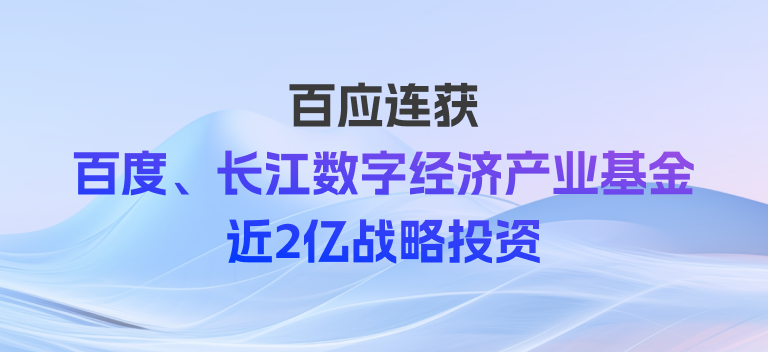
百应科技获百度及长江数字经济产业基金近2亿战略投资
2024年03月15日

百应科技入选国家级专精特新“小巨人”
2023年09月08日

百应科技获“省级企业研究院”认定
2023年11月17日

用AI构建你和用户的“亲密关系”,共建存量时代的增长引擎
大模型时代的智能用户运营
百应和你一起“大”有可为
百应和你一起“大”有可为